Group Project- Meta App for Relationship Apps
The Overview
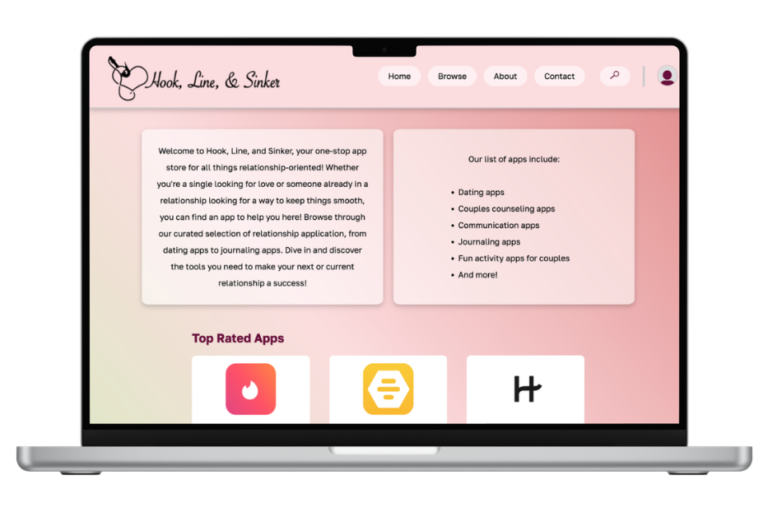
This webpage is meta-app (think App Store) for relationship and dating apps. Our project restriction was that it must be a library for a specific type of app. We had the choice to make it either an actual application or a web-app for extra credit. An example given to us was a library of clock apps, but we wanted to make a site that would have more potential use in real life. Although I don’t expect anyone outside of our class to use this, it does have account creation, commenting, contacting, and searching functionality. Out of the five of us, I took on the role of project manager. Although my main job was keeping track of team documents, assigning tasks for each member, and doing general organization and management work, I also did the UI/UX design and implementation for our site.
The Process
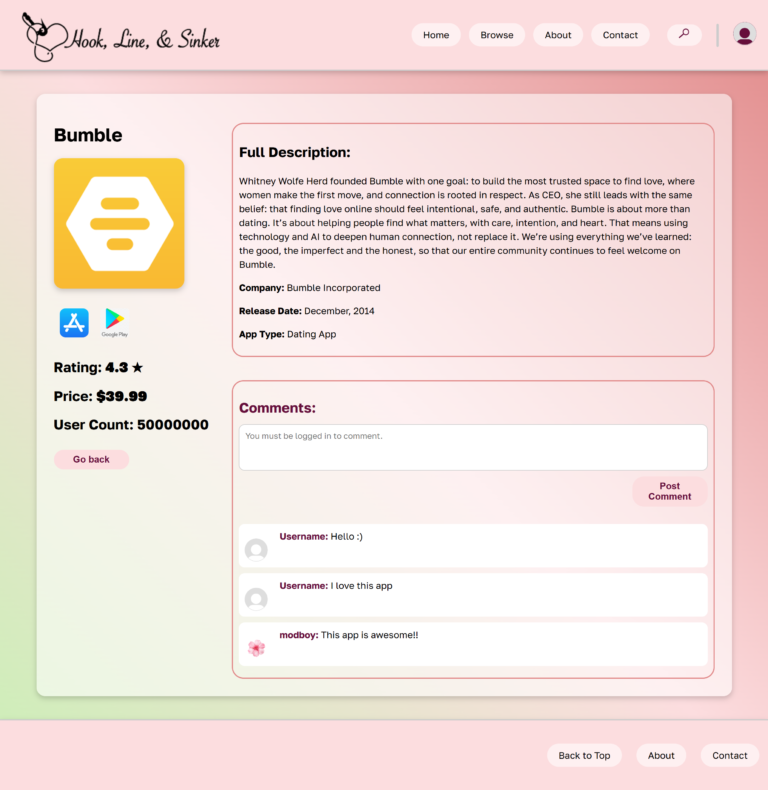
This project was done in sprints as we were learning about the AGILE workflow. For the first few sprints, we did a lot of project setup like assigning roles, setting up a GitHub, and finalizing what kind of app we wanted to make. After that, it was time to start actually coding. As I was in charge of all of the UI design, I had mockups completed pretty early in the process which were then implemented by myself and another team member. One of the first features we wanted working were content cards for each app which are used on the home page and the browse page. Obviously, it would be inefficient and unscalable to make an html page for each app, so we used JavaScript to create app objects instead that held all important info, which then was put into a card template if a user clicked on it.
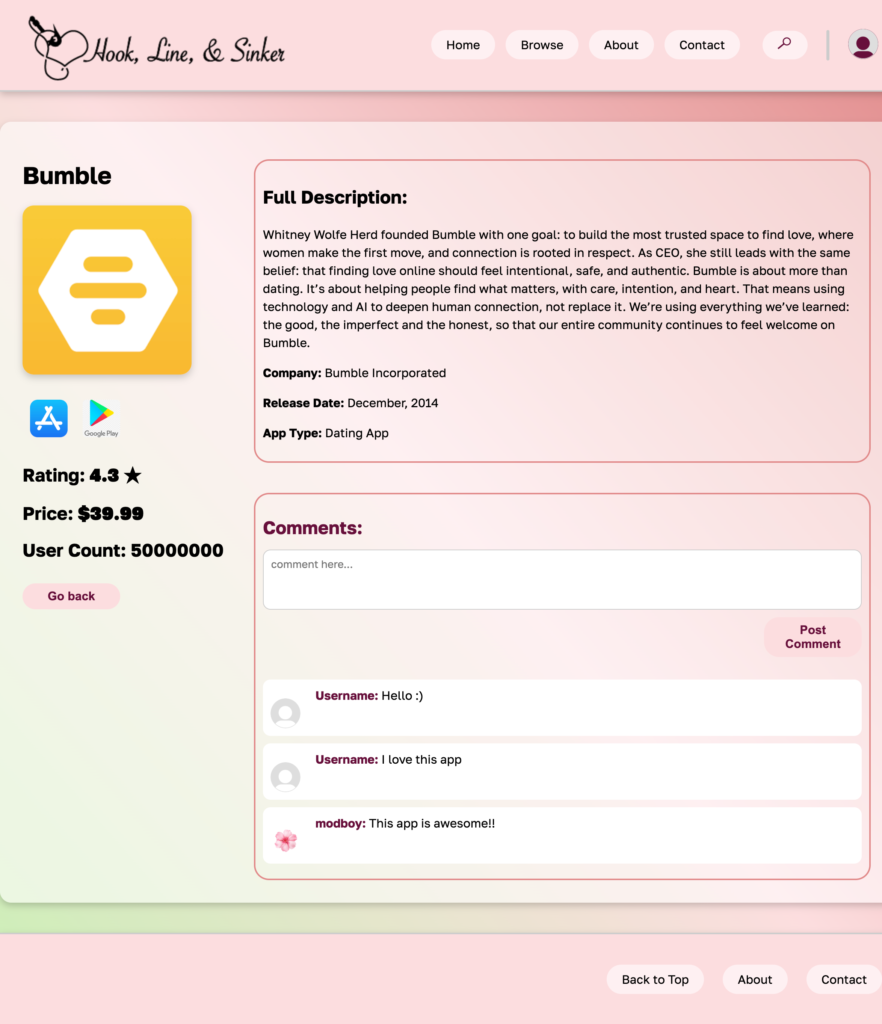
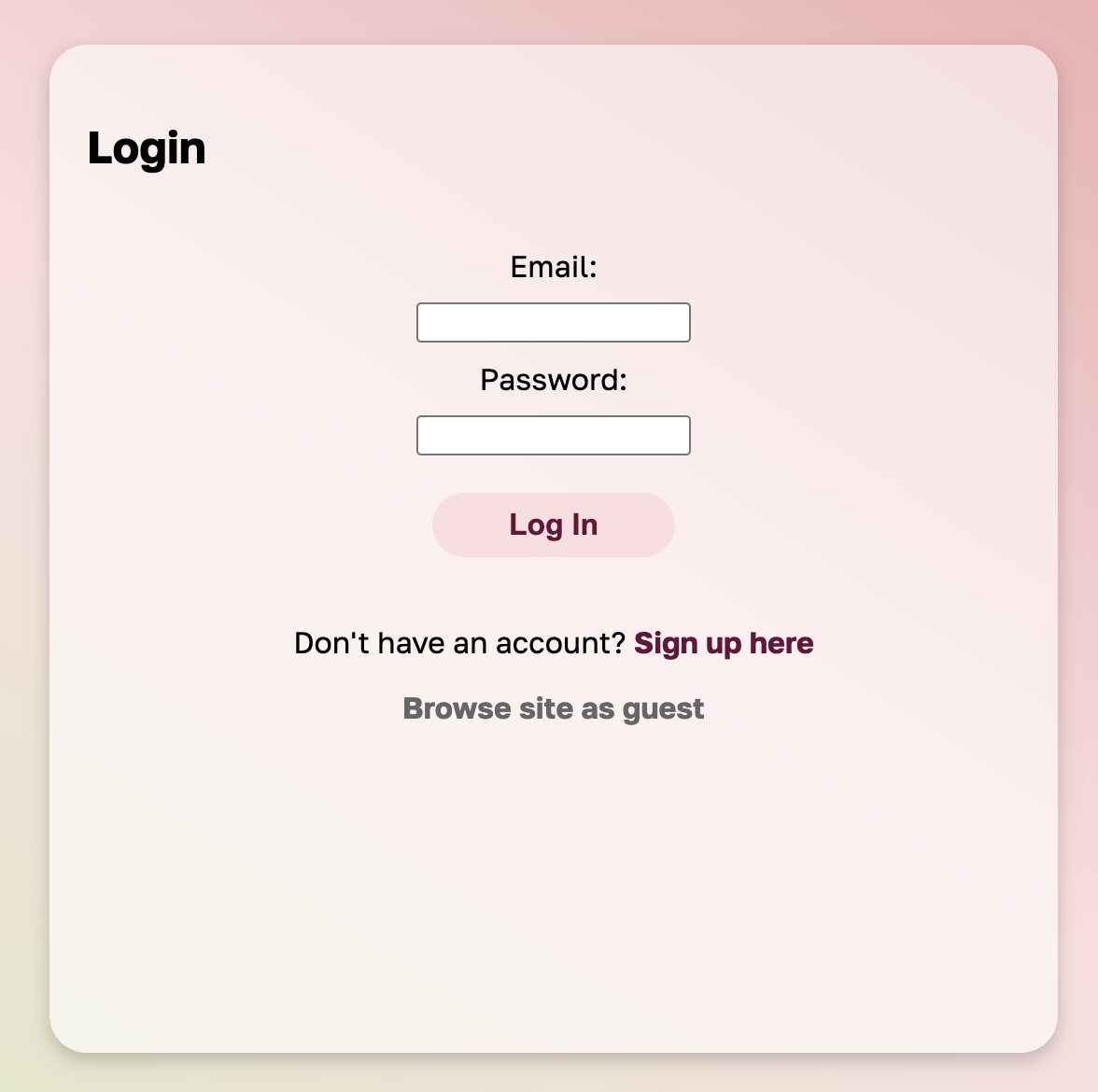
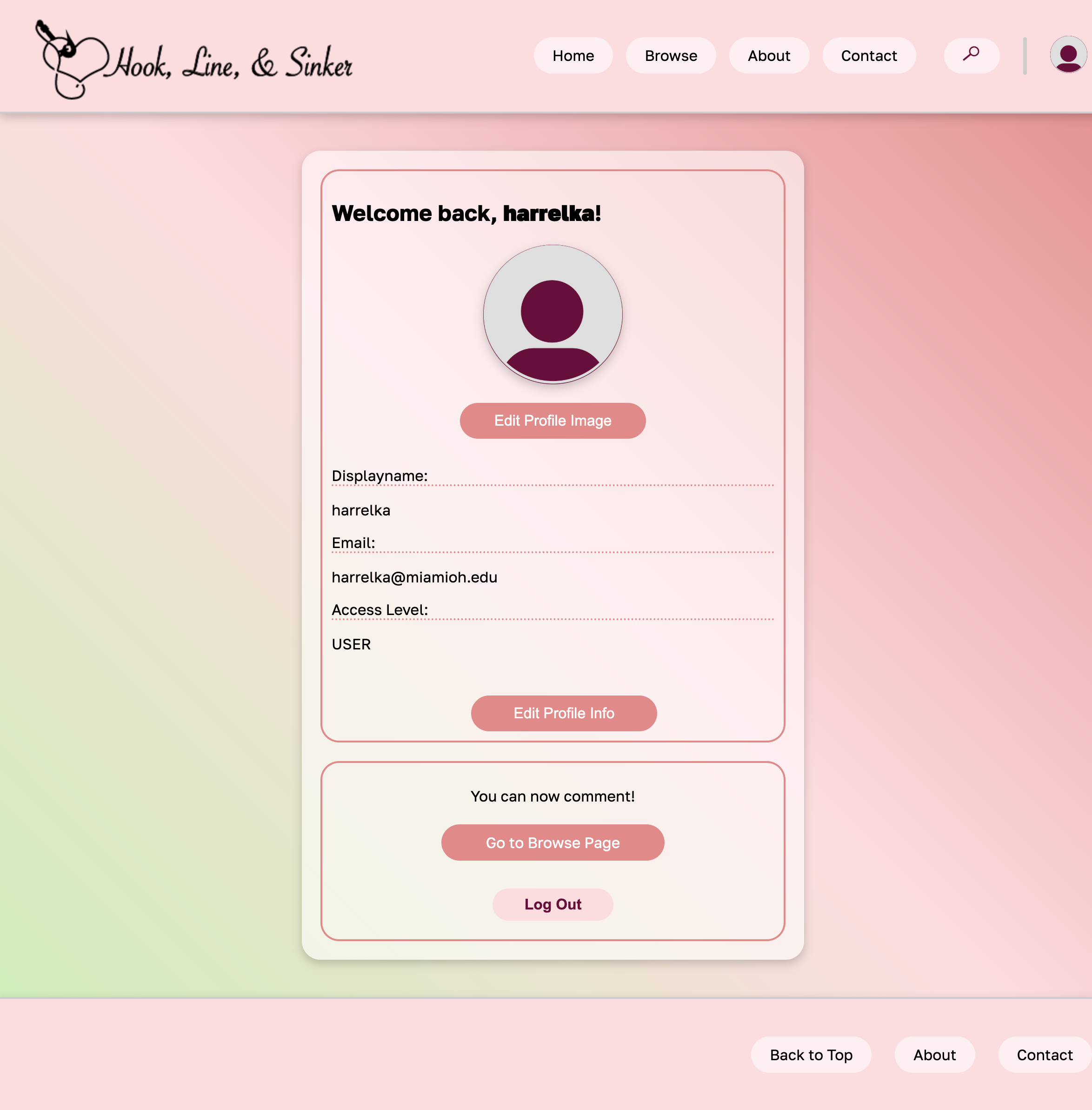
Another notable feature was the profile creation and the ability to comment under an app which you cannot do without an account. These both relied heavily on the use of a database, in this case Firebase. For profiles, all relevant data (like name, admin level, profile picture, etc.) was saved to an individual account in Firebase and pulled when needed. Comments were instead stored under their corresponding app so when a card is loaded, its comments load with it.
The Product
For being the first larger project I worked on, I am proud of how it turned out. Although it is not the most polished, I learned so much about what it takes to host and create a software that has real functionality. Understanding how databases, APIs, and modular elements integrate into code felt so rewarding after having been taught about the pieces in my various classes. From a UI/UX standpoint, I can find a lot to critique about the design, but as it was my first real web project I am happy that I at least met many of the good UI practices. Our final product was a full web system that had account creation/login, stored comments, a contact form, a search system, and dynamic app cards.
Some tools used during this project:
- VS Code (used to code in HTML, CSS, and JavaScript)
- Photoshop & Illustrator
- Canva
- Jira
- GitHub
- Firebase